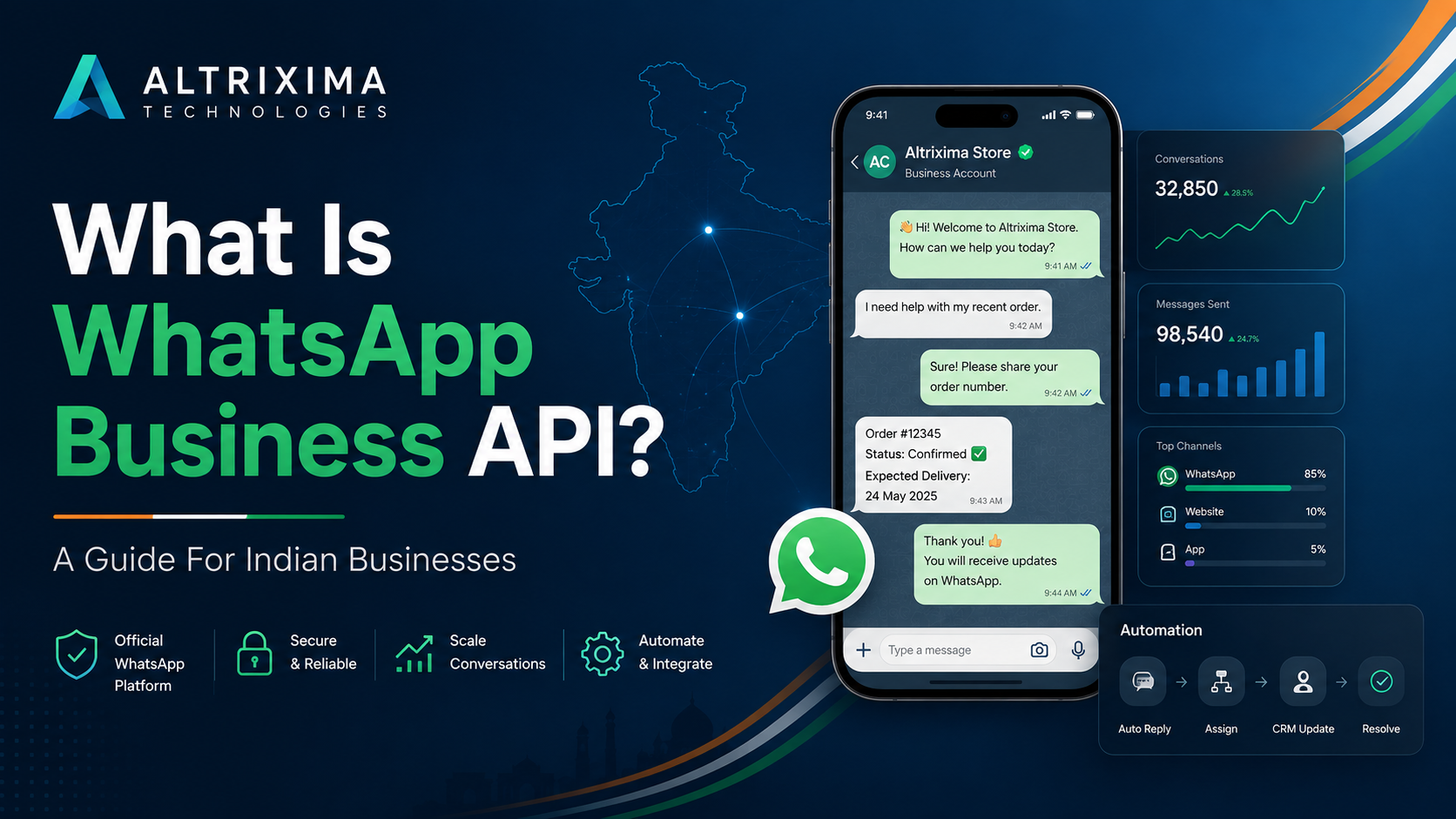
WhatsApp Business API India refers to Meta’s business messaging platform that lets companies send and receive WhatsApp messages through software instead of relying only on the mobile WhatsApp Business app. It is built for organisations that need multiple users, automation, campaign management, CRM connections, chatbots, customer support workflows and reporting.
Put simply: it turns WhatsApp into a structured business channel.
WhatsApp Business API vs WhatsApp Business App
The WhatsApp Business app works well for a small business handling messages from a limited number of devices. It includes a business profile, catalogue, greeting messages, labels and basic quick replies.
The WhatsApp Business Platform, commonly called the WhatsApp Business API, is different. It gives a business programmatic access to WhatsApp, so conversations can be connected to a shared team inbox, CRM, helpdesk, booking system or custom software. Meta describes the platform as the option for businesses that need to communicate at scale and connect WhatsApp with the rest of their technology systems.
There is no separate “API app” that staff simply download. A business normally accesses the Meta-hosted WhatsApp Cloud API through its own technical setup or through a WhatsApp Business Solution Provider, often called a BSP.
What Can Indian Businesses Do With It?
A properly configured WhatsApp API solution can support sales, service and operational communication from one business number.
Common uses include:
- Answering customer enquiries through a shared WhatsApp team inbox
- Assigning chats to sales, reception or support staff
- Sending approved WhatsApp marketing messages
- Sharing order confirmations, delivery updates and payment reminders
- Sending OTP and authentication messages
- Capturing leads from websites and click-to-WhatsApp ads
- Booking appointments and sending reminders
- Connecting conversations with a WhatsApp CRM
- Using keyword replies, chatbots or AI-assisted responses
- Tracking message delivery, response time and team activity
This can work well for clinics, hospitals, retailers, educational organisations, hotels, real-estate businesses, service companies and growing online brands.
How WhatsApp Message Categories Work
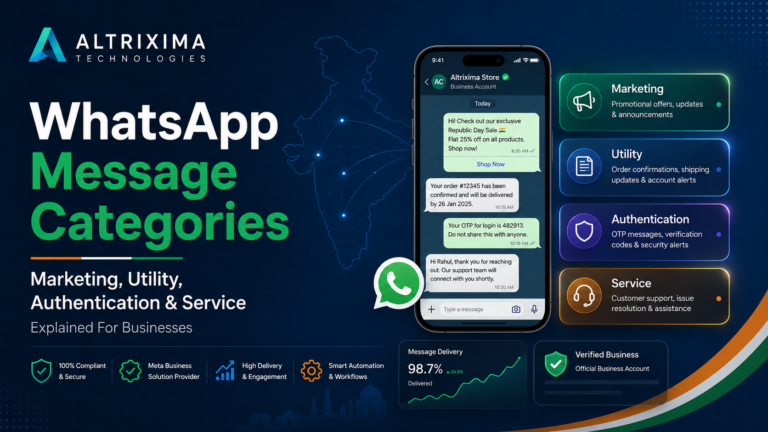
The WhatsApp Business Platform uses four message categories: marketing, utility, authentication and service.
Marketing messages cover promotions, offers, product recommendations, abandoned-cart reminders and re-engagement campaigns. Customers should opt in before a business sends promotional WhatsApp messages.
Utility messages are non-promotional updates connected with a customer action. Examples include order status, appointment confirmation, invoice notification or delivery information.
Authentication messages are used for one-time passwords and identity verification.
Service messages are replies to incoming customer enquiries. When a customer messages a business, a 24-hour customer service window opens. During that period, the business can respond with service messages. The window starts again whenever the customer sends another message.
Is WhatsApp Business API Free in India?
Not entirely.
Meta charges for delivered messages based on the recipient’s market and the message category. Current rates can differ for marketing, utility and authentication messages. Some service messages and utility replies may qualify for no Meta charge under the applicable rules.
A BSP or software provider may also charge a platform subscription, onboarding fee or service fee.
Pricing changes from time to time. Check the current India rate card and the provider’s charges before choosing a plan.
What Is Needed for Setup?
Most businesses need a Meta business portfolio, business details, a phone number, a WhatsApp Business Account and a software platform or technical integration.
The business display name must follow WhatsApp’s rules. Depending on the setup and intended usage, Meta may also request business verification.
The number should be controlled by the business. Avoid unofficial bulk-messaging tools, browser extensions or systems that imitate WhatsApp Web. They may create security problems and can put the number at risk.
Good onboarding also includes customer opt-in records, approved templates, user permissions, privacy controls and a clear plan for human support when automation cannot answer correctly.
Is WhatsApp Business API Right for Your Business?
Consider it when one phone is no longer enough.
It makes sense when several employees need to manage the same WhatsApp number, leads are getting missed, follow-ups are inconsistent, campaigns need scheduling, or customer conversations must connect with CRM and booking workflows.
A very small shop with a low message volume may still be comfortable with the WhatsApp Business app. A growing organisation, however, will usually need better control, team access and automation.
WhatsApp Business API India is not simply a tool for sending bulk messages. Used properly, it gives a business a clear system for managing customer conversations from the first enquiry through support, sales and repeat engagement.
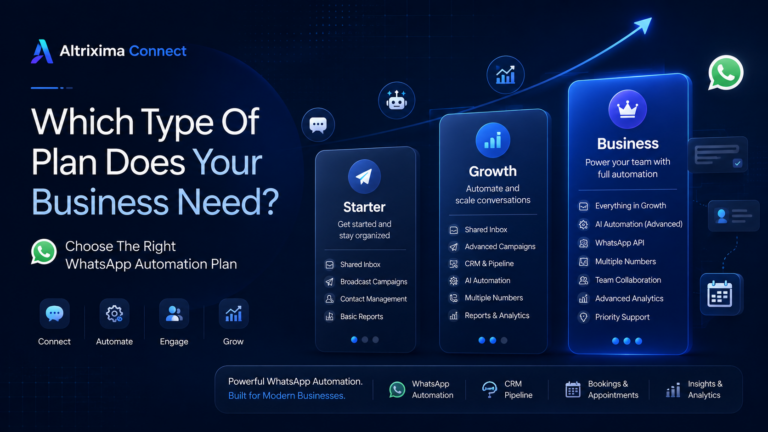
Altrixima Connect brings WhatsApp Business API, shared inbox, campaigns, CRM, AI assistance and booking workflows into one business platform.